
How We Create Oz Otter the Cub Photographer
Bringing an Oz Otter book to life is a partnership between human imagination and artificial intelligence.
Each story starts with an idea from a human author — then AI tools help explore, visualise, and refine it. Every line, rhyme, and image is carefully reviewed and adjusted by hand to make sure it’s fun, accurate, and perfectly suited to young readers.
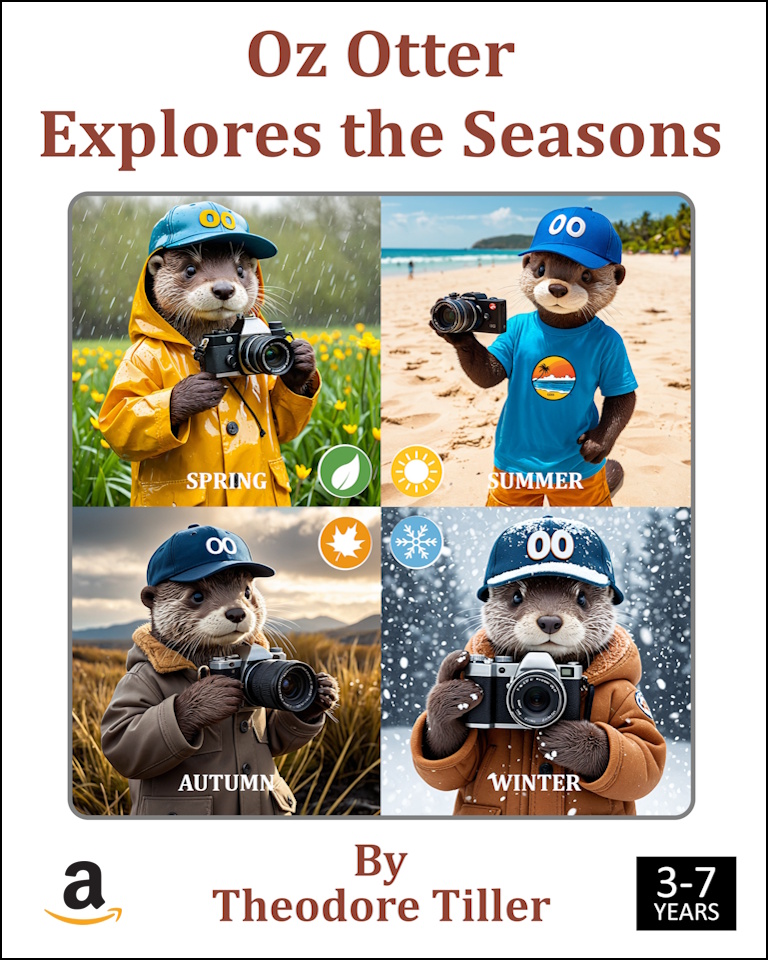
💡 AI helps us create — but it’s the human heart that makes Oz Otter special.
1. Choosing the Subject
Every book begins with a theme — perhaps a trip to the seaside, the zoo, or the countryside.
AI provides a wide range of topic suggestions, but the final choice is always made by a human author who considers what will most delight and engage children aged 3–7.

2. Building the Item List
Once a theme is chosen, AI generates a list of objects, animals, and scenes children might recognise.
A human then filters and refines this list — keeping it relatable, educational, and in line with the Oz Otter Cub Photographer world.

3. Writing the Rhymes
For each list item, AI drafts playful rhyming clues — little puzzles designed to encourage guessing and learning.
Each verse is then reviewed, edited, or rewritten by the author to make sure it flows naturally, fits the rhythm, and describes the item accurately.
This back-and-forth process often takes several iterations until every rhyme feels just right for a young listener.
4. Creating the Illustrations
This is the most creative — and sometimes the most challenging — stage!
AI tools are guided through detailed prompts to bring each scene to life. It’s not a simple “generate an image” button press; instead, it takes many tries to produce exactly what’s envisioned.
Sometimes, wireframe poses or reference photos are added to the prompt to help AI understand the correct position or expression for Oz. Achieving consistency across pages — especially for a character like Oz — requires a lot of human direction and patience.
5. Designing and Formatting
Once the rhymes and illustrations are ready, everything is arranged into the Oz Otter Cub Photographer format — a familiar layout children recognise across the series.
This includes the cover, title pages, rhyming clue pages, and hidden-answer sections.
Pages are assembled using Kindle Create, a tool for preparing books for Amazon Kindle Direct Publishing (KDP). After a final proofread, the book is uploaded and ready to be shared with readers everywhere.
In Conclusion
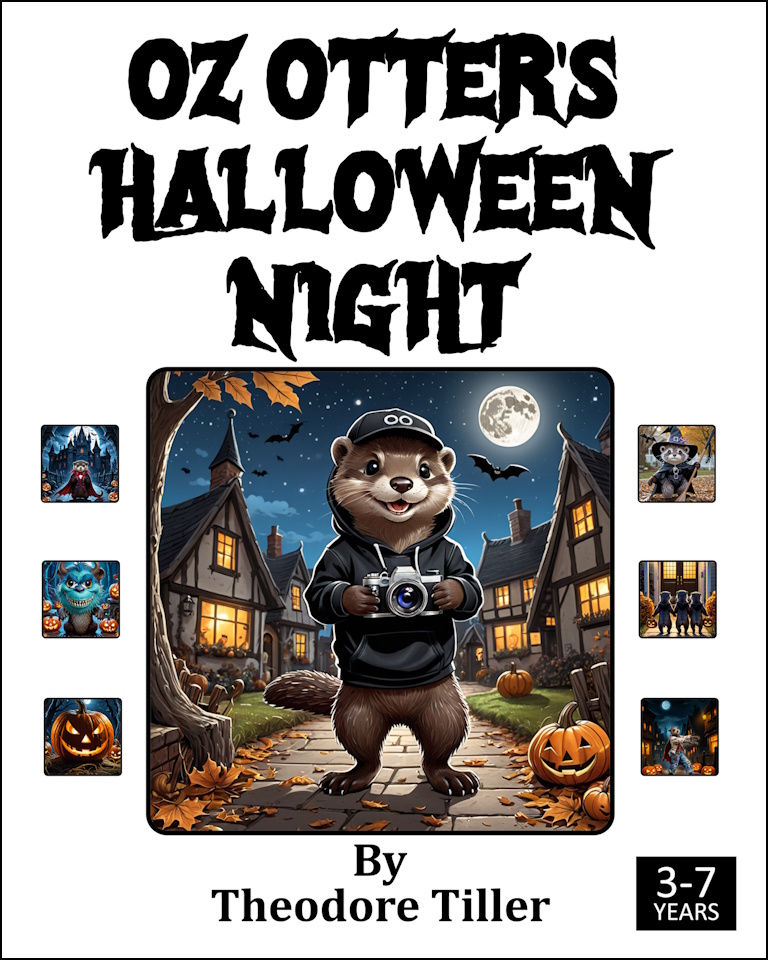
AI plays a role in creating Oz Otter, but every creative decision, rhyme, and final image is shaped by a human hand.
AI provides the brush, but it’s the human who paints the story.
Together, they bring the charming world of Oz Otter, Cub Photographer, to life — one delightful adventure at a time.